Laptops tend to come with a lot of specifications that most households will never actually need. A dedicated graphics card, a high-refresh-rate display, 32GB of RAM - these features exist for demanding workloads like video editing, 3D design or gaming.
But choosing the best laptop computer for home use is less about finding a powerful machine and more about finding one that handles everyday tasks well without costing more than it should. Browsing, streaming, social media, occasional video calls - modern hardware handles all of this comfortably, and has done for several years now.
This guide covers the features and specifications that matter most for everyday home use and why refurbished home use laptops may be a great choice if you’re on a budget
What Makes a Good Home Laptop
Screen Size
A home laptop does not usually need to be small and light. It is not being carried to lectures or commuted with - it sits on a desk, a table or a lap. Screen size (which is the main factor in increased weight for laptops) can be chosen for comfort rather than portability.
14 inches works well as an all-rounder. 15 or 15.6 inches is better for anyone who uses the laptop primarily for streaming or who regularly shares the screen with another person.
Going smaller than 13 inches does not offer much benefit when the laptop rarely leaves the house.
Display Quality
IPS panels hold their colour and brightness from wider angles than cheaper TN alternatives. That matters more than people realise for a home laptop - particularly a shared one, where two or three people might be looking at the screen at the same time.
1080p resolution covers everything a home user needs. Paying more for a 4K display makes very little difference, and is likely unnecessary if you plan on hooking it up to a TV to stream via HDMI, plus, it shortens battery life.
Speakers
Speaker quality is worth considering for a home laptop, though it depends on intended use. If the laptop will be connected to a television or used primarily with headphones, built-in speaker quality is less of a factor. For households where the laptop itself is the main screen for streaming, it matters more.
Cheaper laptops often use downward-firing speakers, which produce thin, muffled sound - particularly on soft surfaces. Models with upward-firing or side-firing speakers generally deliver clearer output.
Keyboard and Trackpad
Key travel, the distance a key moves when pressed, varies between models. Shallower keys, common on thinner laptops, can feel less responsive. Around 1.2mm to 1.5mm of travel tends to offer a good balance between comfort and a slim form factor. Trackpad quality matters too. Glass trackpads with multi-touch gesture support are more precise and responsive than plastic alternatives.
Ports and Connectivity
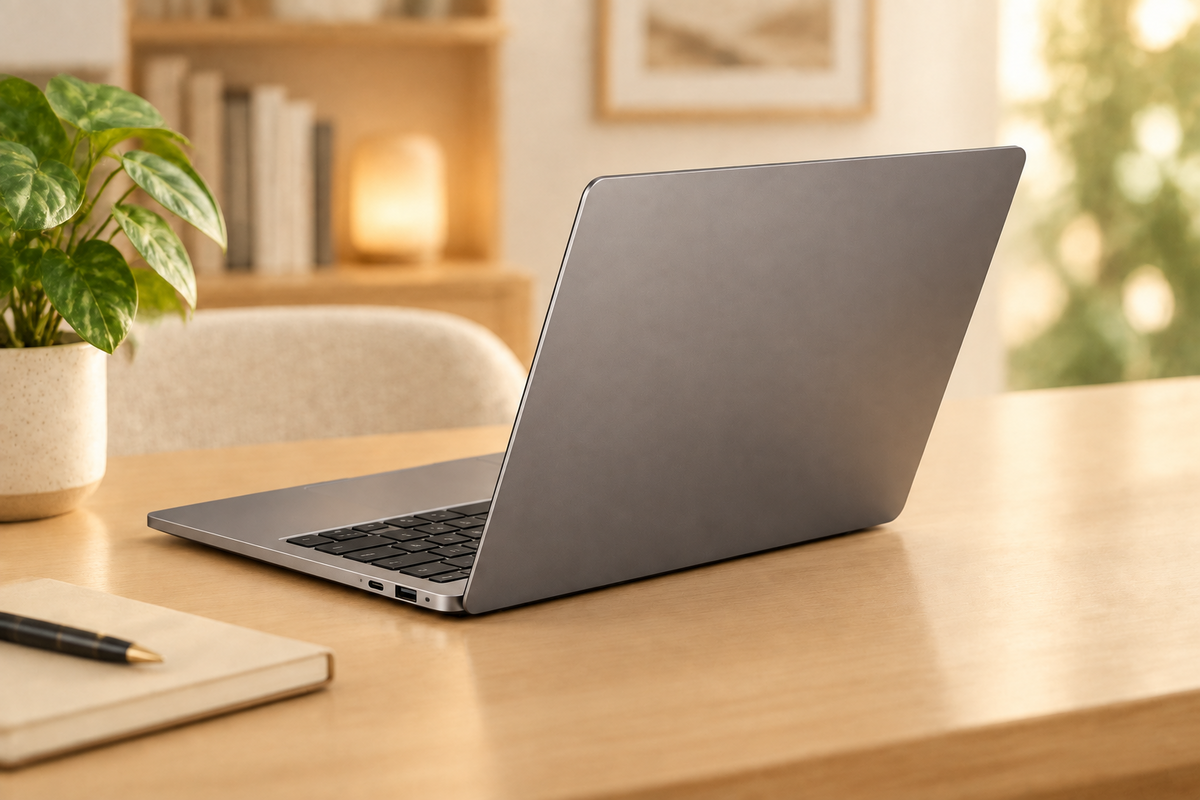
Many modern laptops rely heavily on USB-C, which may require adapters to connect USB drives, printers or an HDMI cable to a television. A laptop with at least one standard USB-A port and a built-in HDMI output avoids the need for additional accessories out of the box.
Webcam
For households that use the laptop for video calls, webcam quality varies more than expected between models. A 720p webcam, still common on many laptops, produces a noticeably softer image than a 1080p alternative. If video calls with family or friends are a regular use case, checking the webcam resolution before buying is worth the effort.
With the physical features covered, the next consideration is internal specification - and for a laptop used primarily for browsing, streaming and general household tasks, the requirements are lower than you might expect:
How Much Performance Do Everyday Home Tasks Need?
Understanding how much processing power common tasks actually consume can help avoid overspending on unnecessary specs.
Let’s break them down:
-
Browsing and social media usage: These tasks are among the lightest tasks a modern laptop performs. A laptop from five or six years ago handles this without issue, provided it has an SSD and a reasonable amount of RAM.
-
Streaming: Through services such as Netflix, BBC iPlayer, YouTube and Disney+ is designed to run on modest hardware. A 1080p display and integrated graphics are all the laptop needs. The quality of the internet connection has a greater impact on streaming performance than the laptop's processor.
-
Video calls: Zoom, Microsoft Teams, FaceTime and similar platforms are slightly more resource-intensive than passive browsing, but still well within the capability of a Core i5 and 8GB of RAM. As noted above, the built-in webcam and microphone tend to have a greater impact on call quality than the processor.
-
Photo management: Organising albums, viewing images, making basic adjustments - runs comfortably on any modern machine. More advanced editing in applications such as Adobe Lightroom may benefit from 16GB of RAM, but the standard photo applications most people use work without issue on 8GB.
-
Light productivity tasks: Writing documents, managing a household budget in a spreadsheet or printing a letter do typically not require meaningful processing power.
For the majority of home users, the tasks above confirm that raw processing power is not the deciding factor when choosing a laptop. A reasonable baseline, a modern mid-range processor, 8GB of RAM and an SSD, covers all of them comfortably.
The Refurbished Advantage
Refurbished laptops offer a practical alternative to buying new, and for home use the case is particularly straightforward. The tasks involved - browsing, streaming, email, video calls - do not require the latest hardware. A professionally refurbished laptop from two or three years ago handles all of them without difficulty.
Business-class laptops such as the Dell Latitude 7410, Dell Latitude 9420 or Apple MacBook Air 2020 were originally built for corporate environments where reliability and consistent performance are expected as standard. Refurbished, these machines become available at a significant reduction from their original retail price while still offering stronger specifications than most brand-new budget laptops.
Devices undergo full hardware testing - covering battery condition, storage health, screen quality and overall system stability - before being resold. This provides a level of assurance that is not available when purchasing second-hand from a private seller.
Home Use Laptop FAQs
Is 8GB of RAM enough for a home laptop?
For everyday home use - browsing, streaming, email and video calls - 8GB of RAM is sufficient. It handles multiple browser tabs and applications running at the same time without issue. 16GB is a worthwhile upgrade for users who want additional headroom, but it is not a requirement for standard household tasks.
What size laptop is best for home use?
A 14-inch screen offers a good balance between comfortable viewing and practicality. For households that use the laptop primarily for streaming or shared viewing, a 15-inch or 15.6-inch display provides a more comfortable experience. Since a home laptop is typically not carried around daily, the added weight of a larger screen is less of a concern.
How long should a home laptop last?
A well-built laptop with an SSD and at least 8GB of RAM should remain responsive for four to five years of regular home use. Business-class models, which are constructed for sustained professional workloads, tend to maintain both performance and physical condition better than budget consumer alternatives over that period.
What are the recommended laptops for home use?
For everyday home tasks such as browsing, streaming and video calls, business-class laptops offer the best combination of reliability and value. The Dell Latitude 5320 is a compact, affordable option for general home use. The Dell Latitude 7410 offers a 14-inch screen and solid build quality for households that want a comfortable all-rounder. The HP EliteBook 830 G7 provides strong battery life for users who prefer not to stay tethered to a charger. All three are available refurbished with a 12-month warranty and 30-day free returns.
Is a refurbished laptop reliable enough for everyday home use?
Professionally refurbished laptops undergo full hardware testing before resale, covering battery health, storage performance, screen quality and system stability. This is a different buying experience from purchasing a used laptop privately. Provided the device comes from a reputable refurbished retailer and includes a warranty, it is a reliable option for home use.