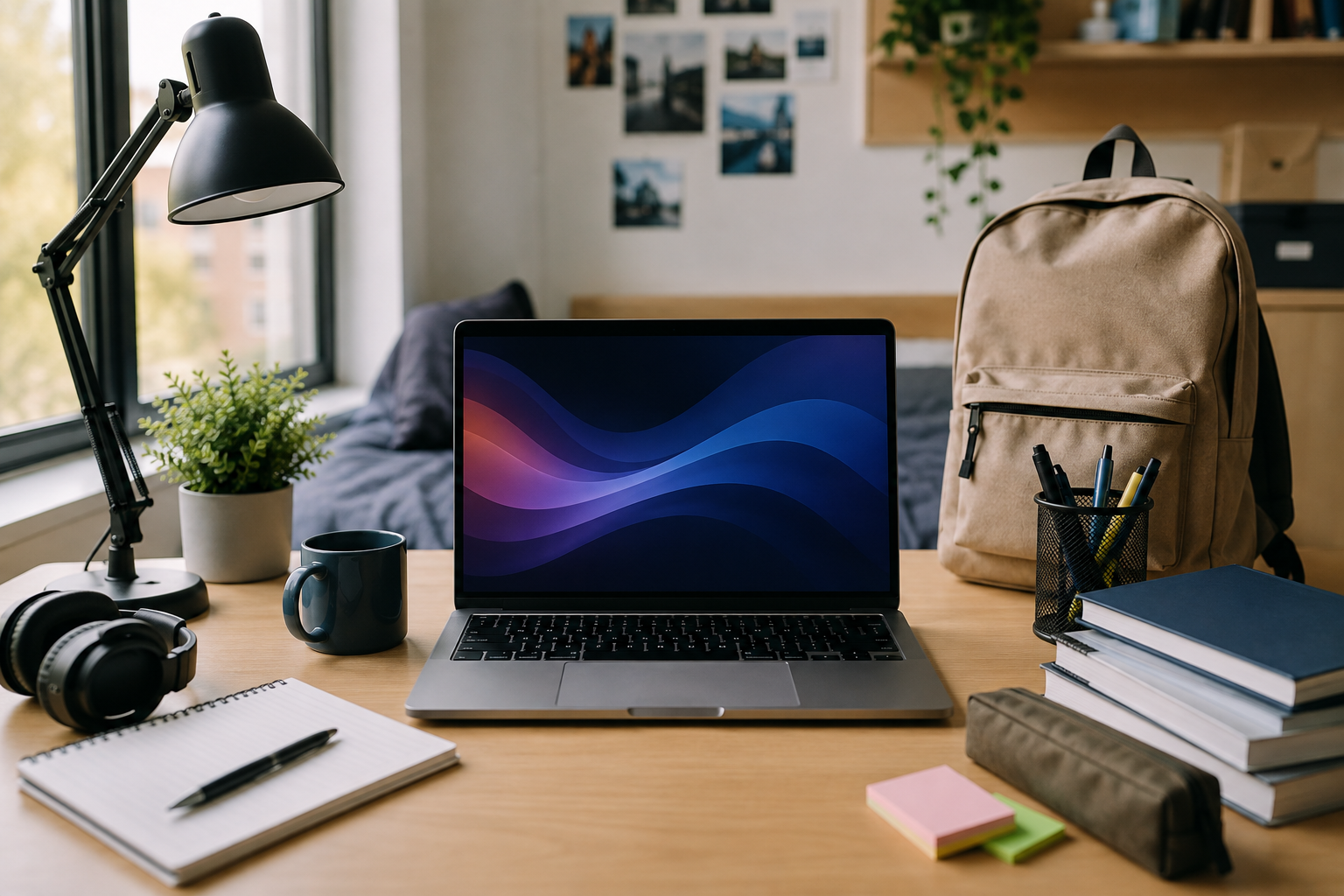
Choosing a laptop for university is an important decision. You'll likely use your laptop every day for writing assignments, researching coursework, attending lectures, creating presentations, and managing your studies.
The best laptop for university students depends on your course, budget, and how you plan to use it. For most students, a reliable mid-range laptop is more than capable of handling everyday university work. Students with more specialist requirements may need additional processing power or memory.
A refurbished laptop can also be an excellent option. It can provide strong specifications and reliable performance at a lower price than buying new.
This guide covers the key features to consider when choosing a laptop for university, including performance, portability, battery life and storage.
Key Features for a University Laptop
University work can involve a wide range of tasks. You may need to research online while working on a document, attend a video call or switch between several applications.
A suitable university laptop should offer:
- Reliable everyday performance
- Good battery life
- A comfortable keyboard
- A clear display
- SSD storage
- Enough RAM for multitasking
- A portable design
- Reliable Wi-Fi connectivity
The right balance of these features matters more than choosing the highest specification available.
How Much Should You Spend on a University Laptop?
There is no set amount that every student needs to spend.
A student completing essays, presentations, and online research will have different requirements than someone using specialist engineering, programming, or creative software.
For general university work, a good-quality laptop with a modern processor, 8GB RAM and SSD storage should provide plenty of performance.
Buying refurbished can also help you get higher specifications within the same budget. If affordability is your main priority, our guide to Best Budget Laptops for Students explains which features offer the best value.
Recommended Laptop Specifications
Understanding a few key specifications will make it easier to compare different laptops.
Processor
The processor determines how quickly your laptop can handle tasks and applications.
For most university students, an Intel Core i5 or AMD Ryzen 5 processor is a strong choice. These processors provide enough performance for research, Microsoft Office, video calls and everyday multitasking.
Students using demanding software may require a more powerful processor, so it's worth checking your course requirements before buying.
RAM
RAM helps your laptop manage multiple applications at the same time.
For most students:
- 8GB RAM can handle basic university tasks such as web browsing, word processing and online classes.
- 16GB RAM is recommended for smoother multitasking and is a better choice if you regularly use multiple applications or want your laptop to remain capable for longer.
- For demanding tasks such as video editing, 3D modelling or specialist software, 32GB RAM may be worth considering.
If you regularly work with numerous browser tabs and applications at once, additional RAM can improve overall responsiveness.
Storage
An SSD is recommended for university use. SSDs provide much faster loading and startup times than traditional hard drives.
For most students, 256GB or 512GB of SSD storage should be sufficient for coursework, documents and applications.
Cloud storage can also be used for larger files and backups, helping to keep your laptop's storage under control.
Screen Size
A screen between 13 and 15.6 inches provides a good balance between portability and workspace.
A 13-inch laptop is convenient for students who carry their device around campus regularly. A larger 14 or 15.6-inch display provides more room for documents, spreadsheets and multitasking.
Portability for University Life
Portability is an important consideration when choosing a university laptop.
Students may carry their laptop between lectures, libraries, seminars, study groups and home. A lighter model can therefore be more practical than a larger, heavier device.
Models such as the Dell Latitude 5320, Dell Latitude 5420 and Lenovo ThinkPad L14 provide compact options for students who want a balance between screen size and portability.
Battery Life
Good battery life provides greater flexibility throughout the university day.
You may not always have access to a convenient power socket, particularly when working in lecture halls, libraries or study areas. A laptop with strong battery performance can therefore be more practical for students who work away from home.
Battery life varies between models and individual configurations. When buying refurbished, check the product information for the specific laptop you're considering.
Video Calls and Online Learning
Online meetings, lectures and group work are now a common part of university life.
A suitable laptop should include:
- A built-in webcam
- A microphone
- Reliable Wi-Fi connectivity
- Integrated speakers or a headphone connection
Most modern laptops can comfortably handle services such as Microsoft Teams and Zoom alongside everyday coursework.
For students who regularly study remotely, our guide to Best Laptops for Online Classes & Distance Learning provides more specific advice.
Why Choose a Refurbished Laptop for University?
A refurbished laptop can provide an excellent balance of performance and affordability for university students.
New laptops can become expensive as you move towards better processors, additional RAM and larger SSDs. Refurbished models offer an alternative, letting you access higher specifications without necessarily increasing your budget.
Better Value
Refurbished laptops can offer stronger specifications for the price than a brand-new entry-level model. This can make it possible to choose a faster processor, more RAM or a better-quality laptop while staying within your budget.
A Wide Choice of Models
Refurbished ranges include laptops from established manufacturers such as Dell, Lenovo and HP.
Orbit's current range includes models such as:
With different screen sizes, specifications and price points available, there's an option to suit a range of university needs and budgets.
A More Sustainable Choice
Buying refurbished also extends the useful life of existing technology.
Rather than replacing a device with a brand-new model, refurbished laptops can be tested, prepared and returned to use. This can help reduce unnecessary electronic waste while providing students with a practical alternative to buying new.
Find the Right Laptop for University
The best laptop for university students is not necessarily the newest or most expensive model. It should provide the performance, portability and features you need for your course and everyday university life.
For many students, a refurbished laptop offers an effective way to balance performance and cost. You can choose from established brands and a range of specifications without paying the premium associated with buying new.
Explore Orbit's range of refurbished student laptops to find a laptop suited to your course, budget and university life.
Frequently Asked Questions
What is the best laptop for university students?
The best laptop depends on your course and how you intend to use it. For general university work, look for a reliable laptop with at least 8GB RAM, SSD storage and a modern Intel Core i5 or AMD Ryzen 5 processor.
How much should I spend on a university laptop?
There is no fixed amount. Many students can complete their coursework comfortably using a mid-range or refurbished laptop, while specialist courses may require higher specifications.
Is a refurbished laptop suitable for university?
Yes. A refurbished laptop can provide reliable performance at a lower price than a new one. It can be particularly useful for students looking to maximise their budget, and all Orbit Models come with a 12-month warranty.
Is 8GB RAM enough for university?
For general coursework, web browsing, Office applications and video calls, 8GB is usually sufficient. Students using more demanding applications may benefit from 16GB.
Is a 13-inch laptop suitable for university?
Yes. A 13-inch laptop can be an excellent option for students who prioritise portability. A larger 14- or 15.6-inch display may be preferable if you regularly work with multiple documents or applications.
Should I buy a laptop or Chromebook for university?
This depends on your course. Chromebooks work well for web-based tasks but may not support specialist university software. Check your course requirements before making a decision.